Contents
Tags

Siri AI Not Showing Up on iOS 27? Six Things to Check
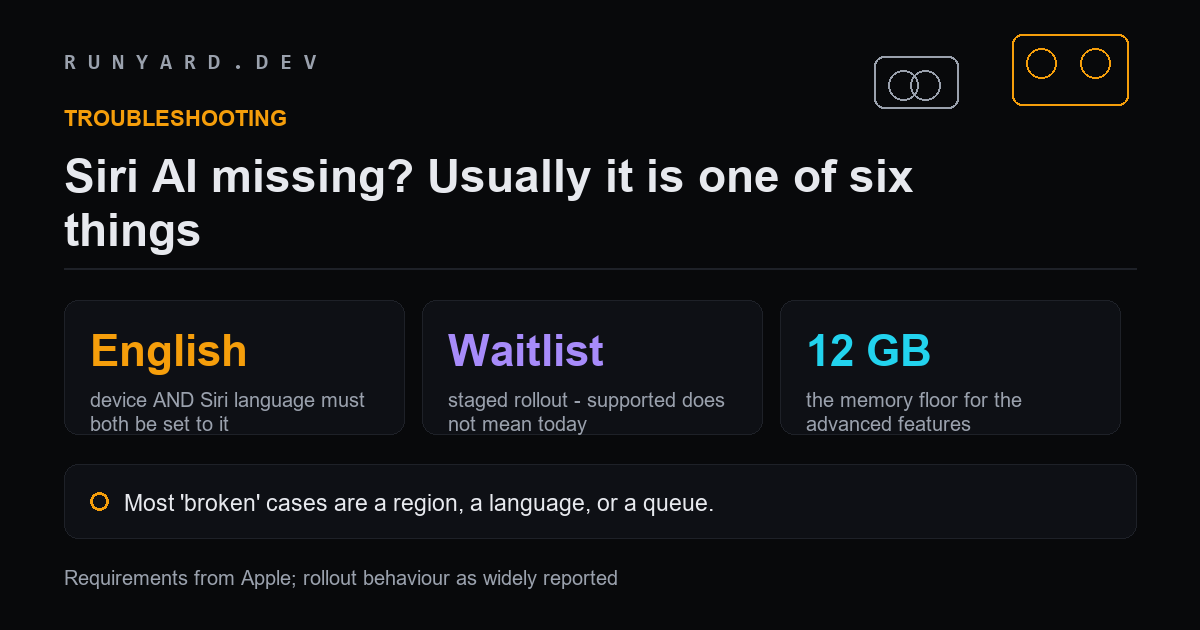
You updated to iOS 27, you have a supported iPhone, and the new Siri is not there. Before you reset anything, work through these in order — the first two account for most cases, and neither is a fault.
1. Both language settings must be English
Siri AI starts in English only. Not your Siri language or your device language — both. If either is set to anything else, or if the two do not match, the new Siri stays hidden and gives you no explanation.
Check Settings for your device language and your Siri language separately. This is the single most common cause and the easiest to miss, because each setting looks correct on its own.
2. You may simply be in the queue
Siri AI rolls out in stages. A supported device on the right software in the right country still does not necessarily have it today, and there is no setting that moves you up the list.
If you have checked everything else, this is almost certainly the answer. It is also in beta, which Apple states plainly, so behaviour changes between releases.
3. Your region may be excluded
- ▸The EU: Siri AI is not initially available on iOS, iPadOS or watchOS. That is Apple's own wording and it is not a bug.
- ▸China: also excluded initially.
- ▸Changing your region setting is not a workaround, and creates more problems than it solves.
4. Your iPhone may not support it at all
Apple Intelligence requires an iPhone 15 Pro, 15 Pro Max, or any iPhone 16 or later. An iPhone 15 or 15 Plus runs iOS 27 perfectly well and will never run Apple Intelligence — same model year as the 15 Pro, different answer.
And within supported devices there are two tiers. The advanced on-device features — higher dictation accuracy, customisable Siri voice — need at least 12GB of unified memory, which currently means a 17 Pro, 17 Pro Max, Air or an 18. If those specific features are what you are missing on an iPhone 16, they are not coming to it.
5. Apple Intelligence may just be switched off
It is not always on by default, particularly after a major update or a restore. Check that Apple Intelligence itself is enabled before concluding that Siri AI is broken — the new Siri depends on it.
While you are there, confirm Siri is enabled at all, that microphone access is allowed, and that you have a working connection. Siri AI is not a fully on-device assistant and does need the network for most of what it does.
6. Give the indexing time to finish
After a major update your iPhone rebuilds its search indexes. Until that finishes, Siri AI can struggle to find personal information and will seem broken or stupid rather than absent.
Leave the phone on power and Wi-Fi for a few hours, ideally overnight, before judging it. Low storage makes this worse and is worth clearing if you are close to full.
The order to actually work through
- 1.Confirm your device is on the supported list, and which of the two tiers it is in.
- 2.Check device language and Siri language are both English and both match.
- 3.Confirm your region is not the EU or China.
- 4.Check Apple Intelligence is enabled, along with Siri and microphone access.
- 5.Leave it on power and Wi-Fi overnight to let indexing finish.
- 6.If all of that passes, you are waiting on the rollout. Nothing is wrong.
Restoring your iPhone will not move you up the rollout queue, and you will lose an evening to it. Exhaust the list above first.
Two things people misread as bugs
It answers, but it does not know anything about me
Siri AI draws on personal context — your messages, mail, calendar and files. If the search index has not finished rebuilding after the update, it will answer general questions competently and personal ones badly, which reads as a broken feature rather than an incomplete one.
Leave the phone on power and Wi-Fi overnight. If personal context is still missing after a couple of days, then it is worth investigating.
It is slower or less capable than I expected
Siri AI is in beta, by Apple's own description, and it is a mix of on-device and server processing. Response quality and speed vary with your connection and with load in a way a purely local assistant would not.
It is also worth calibrating expectations against what Apple actually claimed. The advanced on-device tier buys higher dictation accuracy and a customisable voice — not a categorically smarter assistant.
What cannot be fixed
Some of these are permanent, and it saves time to know which.
- ▸An unsupported iPhone — a 15, 15 Plus, or anything older than the 15 Pro — will never get Apple Intelligence. No update, no setting, no reset.
- ▸A supported device below the 12GB tier will never get the advanced on-device features. It keeps everything else.
- ▸The EU and China holds are not settings and cannot be worked around from the device.
- ▸A non-English language will not work until Apple adds it, whatever else you change.
If your situation is on this list, stop troubleshooting. The time is better spent on an alternative than on a fix that does not exist.
If none of it applies to you
Then you are waiting on the rollout, and that is genuinely the most likely answer for anyone who has worked through the list. Apple is releasing this in stages and there is no queue position to check.
In the meantime, the alternative worth knowing about is a model running on the phone itself. It is more limited than Siri AI in most respects, but it has no waitlist, no region restriction, no language gate and no beta caveat — it either runs or it does not, and on any recent iPhone it runs.
Sourcing: device support, the English-only start, the EU exclusion and the 12GB unified-memory requirement are quoted from Apple's own iOS page. The identification of 12GB as the line separating iPhone models, and which models currently clear it, is MacRumors' reporting rather than Apple's wording — Apple names models for iPhone rather than publishing a memory figure for it.
An assistant with no waitlist, no region and no language gate.
Run a model on the phone itself →Tools
Find AI models that fit your exact hardware. Enter your specs and get a ranked list instantly.
Newsletter