Contents
Tags

Ollama vs LM Studio vs llama.cpp: Which Should You Use?
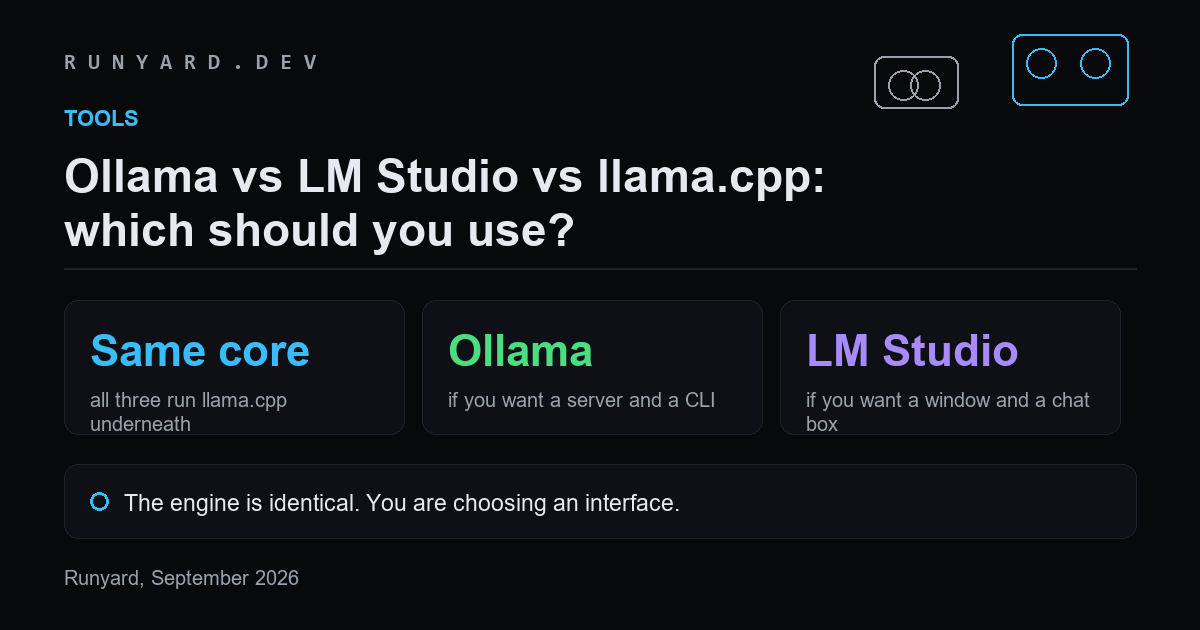
The first thing to know is that this is not a performance question. LM Studio and Ollama are both built on llama.cpp. Same inference engine, same GGUF files, same speed on the same hardware and settings.
What differs is the interface, the defaults and how much control you get. Pick on how you want to work.
llama.cpp — if you want control
The engine itself. Every flag is available, new model architectures land here first, and llama-server gives you an OpenAI-compatible endpoint. You manage the files, the flags and the updates yourself.
Choose it if you are deploying something, debugging something, or want the newest architecture support the day it exists.
Ollama — if you want a server and a CLI
A wrapper that adds a model registry, one-line pulls, automatic memory handling and an HTTP API. Its defaults do a lot of work, which is mostly good and occasionally the problem — its historically small default context silently truncates long prompts.
Choose it if you want models running as a service that other tools call, or you live in a terminal.
LM Studio — if you want a window
A desktop application with model browsing, a chat interface and visible sliders for the settings the others expect you to know. It also exposes a local server when you want one.
Choose it if you want to try models without a terminal, or you want to see what the settings do before changing them.
The honest recommendation
- ▸Just exploring — LM Studio. The GUI is worth more than the control you give up, and you can move later without changing files.
- ▸Building an application — Ollama. The API is simple and stable, and the registry keeps model management out of your code.
- ▸Deploying, or chasing a new architecture — llama.cpp directly.
- ▸Serving many concurrent users — none of these. Use vLLM, which is built for throughput rather than single-user convenience.
Because they share an engine, switching is cheap. The GGUF files are the same; only the wrapper changes.
Where each one puts your files
The most common practical annoyance is discovering you have downloaded the same 20 GB model twice because two tools keep separate caches.
- ▸Ollama — ~/.ollama/models on macOS and Linux, %USERPROFILE%\.ollama\models on Windows. Content-addressed, so tags sharing weights do not duplicate them. Move it with the OLLAMA_MODELS environment variable.
- ▸LM Studio — a models directory you choose on first run, holding plain GGUF files in publisher/model folders.
- ▸llama.cpp — wherever you put them. No management at all.
LM Studio's plain files are the easiest to share with other tools; Ollama's content-addressed store is the most space-efficient if you keep many tags of the same model.
Switching between them
Because they share an engine and a file format, moving is mostly a matter of pointing the new tool at the file you already have.
# See what Ollama is storing and reclaim space
ollama list
ollama rm <model>

# Use a GGUF you already downloaded, in Ollama
printf 'FROM ./path/to/model-Q4_K_M.gguf\nPARAMETER num_ctx 8192\n' > Modelfile
ollama create mymodel -f Modelfile

# Or serve the same file directly with llama.cpp
llama-server -m ./path/to/model-Q4_K_M.gguf --n-gpu-layers 999 --ctx-size 8192
The defaults that differ, and bite
Since performance is identical, the differences that matter are what each tool does when you do not tell it otherwise:
- ▸Context length. Ollama's historically small default silently truncates long prompts. LM Studio shows you the setting. llama.cpp makes you choose.
- ▸GPU offload. Ollama and LM Studio decide for you and usually get it right; llama.cpp does exactly what you asked, including failing to load.
- ▸Chat template. All three read it from the GGUF, but a wrong or missing template is a common cause of a model producing nonsense — and the tools differ in how loudly they tell you.
- ▸Updates. Ollama and LM Studio ship engine updates on their own schedule, so a brand-new architecture may work in llama.cpp days before it works in them.
What about vLLM?
Different category. vLLM is built for serving many concurrent users on a GPU, with paged attention and continuous batching that these three do not do. It wants the original weights or an AWQ/GPTQ build rather than GGUF, and it is not the right tool for one person on a laptop.
The rule of thumb: if you are the only user, use one of the three above. If you are serving a team, use vLLM and accept the extra setup.
Common questions
Is Ollama slower than llama.cpp?
No. It is llama.cpp underneath. If Ollama seems slower, it is almost always a difference in settings — usually context length pushing layers onto the CPU — rather than the wrapper costing anything.
Can I use LM Studio's server with my code?
Yes. It exposes an OpenAI-compatible endpoint, as do Ollama and llama-server. Most client libraries work by changing the base URL, which is what makes switching between them cheap.
Which handles new models fastest?
llama.cpp, by days to weeks. Support lands in the engine first and reaches the wrappers when they update their bundled version.
Whichever you pick, get the flags right for your card.
Generate your flags →Tools
Find AI models that fit your exact hardware. Enter your specs and get a ranked list instantly.
Newsletter