Contents
Tags
Model Download Keeps Failing? Stop Using the Browser
You are two hours into pulling a 40 GB model, the connection blips, and the browser starts again from nothing. This is the single most avoidable frustration in local AI.
Why the browser is the problem
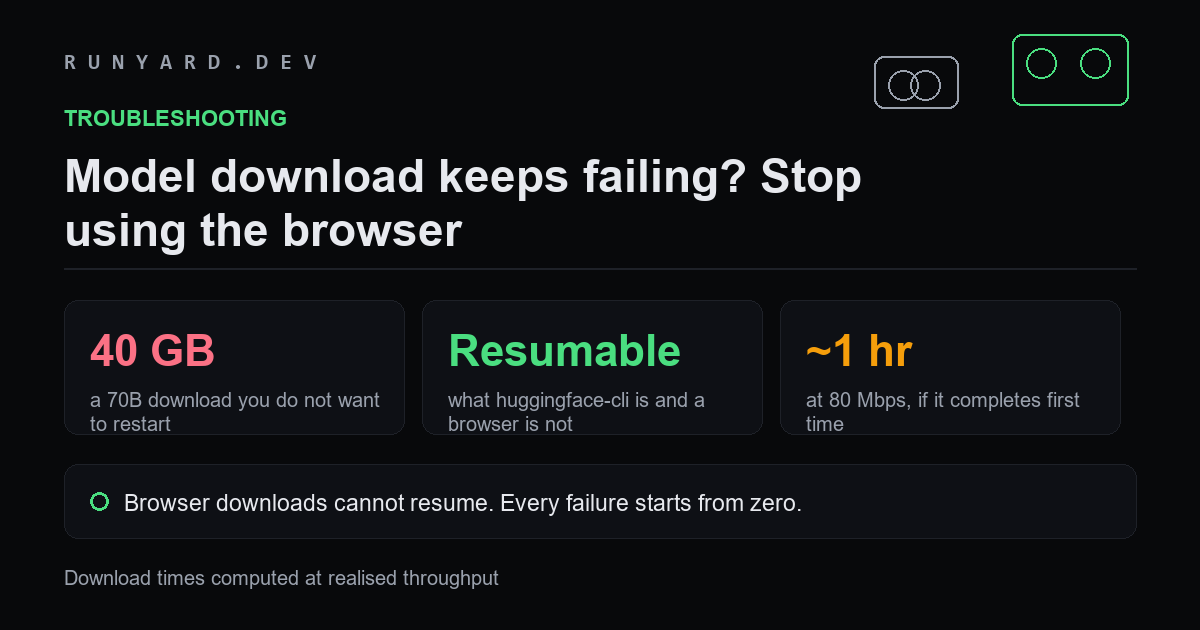
Browser downloads generally cannot resume a partial transfer of this kind. Any interruption — a dropped connection, a sleep, a closed tab — discards what you had. On a 4 GB file that is annoying. On 40 GB it is your evening.
The command-line tools resume by default, verify checksums, and can use multiple connections. That is the entire fix.
Use these instead
# Hugging Face CLI - resumes automatically
pip install -U 'huggingface_hub[cli]'
hf download TheOrg/TheModel-GGUF \
  --include '*Q4_K_M*' \
  --local-dir ./models

# Ollama - handles pulls and retries itself
ollama pull qwen3:14b

# or plain curl, if you must
curl -L -C - -o model.gguf <url>   # -C - resumes
The --include flag matters more than it looks. A GGUF repository often holds every quantisation, and without a filter you will download all of them — hundreds of gigabytes when you wanted twenty.
The other failure causes
- ▸Disk space. Some tools write to a cache first and then move the file, so you can need close to double the final size during the transfer.
- ▸Split files. Large models ship in parts. Download all of them; modern llama.cpp and Ollama load by pointing at the first part.
- ▸Rate limits. Unauthenticated pulls can be throttled. Logging in with a free token is often faster.
- ▸Antivirus. A multi-gigabyte binary from the internet sometimes gets quarantined mid-write, which looks like corruption.
How long it should take
A 70B model at Q4_K_M is roughly 40 GB. At a realised 80 Mbps — which is about what a fast connection actually delivers to a single stream — that is a bit over an hour. If yours is dramatically slower, try a different time of day before assuming something is wrong.
And download once. Re-pulling a model to save a few gigabytes of disk is almost always a worse trade than keeping it.
Checking the file is actually intact
A download that finished is not necessarily a download that worked. A truncated GGUF often loads and then produces nonsense, which sends people hunting for a settings problem that does not exist.
# The CLI verifies checksums as it goes, which is another reason to use it
hf download <org>/<model> --include '*Q4_K_M*' --local-dir ./models

# Manual check: compare size against the repo's listed size
ls -lh ./models/*.gguf

# A GGUF starts with the magic bytes 'GGUF'
head -c 4 model.gguf    # should print: GGUF
If the first four bytes are not GGUF, you have downloaded an HTML error page with a .gguf extension — which happens when a browser hits a rate limit or a login wall and saves the response anyway.
Planning the disk before you start
Running out of space halfway through is the second most common cause of a failed pull, and it is entirely predictable:
- ▸A 7B model at Q4_K_M is roughly 4 GB.
- ▸A 27B is roughly 17 GB.
- ▸A 70B is roughly 40 GB.
- ▸Keep close to double the final size free during the transfer, since some tools write to a cache and then move the file.
- ▸Ollama keeps everything you have ever pulled until you remove it explicitly, so audit periodically rather than discovering it at 3 GB free.
Getting a usable speed
A single connection rarely saturates a fast line. If a download is crawling well below your connection speed, the usual causes are worth checking in order: time of day and regional load, an unauthenticated pull being throttled, or a VPN routing you somewhere unhelpful.
Logging in with a free token often helps more than anything else. And if you are pulling several models, doing them sequentially usually finishes sooner than three at once fighting for the same pipe.
Common questions
Which file do I download when there are twenty?
The largest quantisation whose file is at least 2 GB below your usable memory, which for most people means Q4_K_M or Q5_K_M. Downloading a bigger file you cannot load wastes the hour twice — once pulling it, once again pulling the right one.
The model is split into several files. Do I need all of them?
Yes. Large models are published in parts and every part is required. Modern llama.cpp and Ollama load by pointing at the first part; you do not need to join them by hand.
Can I move a model between machines instead of re-downloading?
Yes, and for anything over about 20 GB it is usually faster over a local network than pulling again from the internet. GGUF files are self-contained and portable across operating systems.
Why did my antivirus quarantine it?
A multi-gigabyte binary arriving from the internet trips heuristics on some scanners. If a download completes and the file then vanishes or fails its magic-byte check, check the quarantine before blaming the connection.
Work out the file size before you start the pull.
Estimate download time →Tools
Find AI models that fit your exact hardware. Enter your specs and get a ranked list instantly.
Newsletter