Contents
Tags

LFM-2.5VL-1.6B: The Vision Model That Runs in Your Browser

Most people assume running a vision model means renting GPU cloud time or owning a $1,000+ graphics card. Liquid AI just proved that wrong. LFM-2.5VL-1.6B is a multimodal model that understands images and video — and it runs entirely inside your browser tab using WebGPU and ONNX Runtime Web. No server. No API key. No subscription. Just open Chrome and go.
What Is LFM-2.5VL-1.6B?
LFM-2.5VL-1.6B is Liquid AI's vision-language model released in January 2026. It has 1.6 billion total parameters: a 1.2B LFM2.5 language backbone plus a 400M SigLIP2 NaFlex vision encoder ([Liquid AI](https://huggingface.co/LiquidAI/LFM2.5-VL-1.6B), 2026). The model was trained on 28 trillion tokens — nearly 3× the training data of its predecessor LFM2 — and achieves strong results on real-world vision benchmarks: RealWorldQA 64.84, InfoVQA 62.71, and MM-IFEval 52.29.
LFM stands for Liquid Foundation Model. Liquid AI uses a hybrid architecture that combines transformer layers with a proprietary recurrent component — giving it strong sequential reasoning at lower parameter counts than pure transformers.
How Does It Run in a Browser?
WebGPU gives browsers direct access to the device's GPU — achieving 10–100× the speed of older WebAssembly approaches ([HuggingFace Transformers.js v3](https://huggingface.co/blog/transformersjs-v3), 2024). Liquid AI published an ONNX-quantized version of LFM-2.5VL-1.6B specifically for browser deployment. The browser config uses FP16 for the vision encoder and Q4 (4-bit) quantization for the language decoder — keeping the total download around 1.5 GB, comfortably within what a modern tab can handle.
- ▸Vision encoder: FP16 — preserves image feature quality
- ▸Language decoder: Q4 — 4-bit quantization for fast, memory-efficient text generation
- ▸Total model size (browser): ~1.5 GB vs ~3.2 GB at full FP16
- ▸Runtime: ONNX Runtime Web + WebGPU backend
- ▸Supported browsers: Chrome 113+, Edge 113+, Firefox 141+, Safari 26+
As of November 2025, WebGPU is supported across all four major browsers covering ~82.7% of global users ([web.dev](https://web.dev/blog/webgpu-supported-major-browsers), 2025). That means the majority of people on the internet can run this model right now — no install required.
Running It in 10 Lines of Code
Liquid AI provides a full demo via their cookbook on GitHub and a live HuggingFace Space. But you can also embed it directly using the @huggingface/transformers JavaScript library. Here's the minimal setup:
import { AutoProcessor, AutoModelForVision2Seq, env }
  from '@huggingface/transformers';

// Use ONNX Runtime Web with WebGPU backend
env.backends.onnx.wasm.proxy = false;

const MODEL_ID = 'LiquidAI/LFM2.5-VL-1.6B-ONNX';

const processor = await AutoProcessor.from_pretrained(MODEL_ID);
const model = await AutoModelForVision2Seq.from_pretrained(MODEL_ID, {
  device: 'webgpu',
  dtype: {
    language_model: 'q4',      // 4-bit — fast & small
    vision_encoder: 'fp16',    // full precision for image understanding
  },
});

// Pass an image URL or File object
const inputs = await processor(imageUrl, 'Describe this image in detail.');
const output = await model.generate(inputs.input_ids, { max_new_tokens: 200 });
const text = processor.batch_decode(output, { skip_special_tokens: true });
console.log(text[0]);
The model download happens once and is cached by the browser. Subsequent loads use the cached weights — so the first run takes a minute to download ~1.5 GB, but every run after that starts in seconds.
What Can It Actually Do?
LFM-2.5VL-1.6B handles the full range of vision-language tasks you'd expect from a cloud model. The browser runtime makes it especially well-suited for privacy-sensitive use cases where sending images to an external API is a non-starter.
- ▸Image captioning and description — "What's in this photo?"
- ▸Document OCR and analysis — read invoices, receipts, scanned text
- ▸Real-time video frame captioning — process webcam frames locally
- ▸Visual question answering — "How many people are in this crowd?"
- ▸Screen reader assistance — describe UI screenshots for accessibility tools
- ▸Medical image analysis — keep patient data entirely on-device

Video Captioning in Real Time
One of the most impressive demos from the Liquid AI team shows real-time video captioning using the browser's webcam API. Each frame is passed to LFM-2.5VL-1.6B running on WebGPU, and captions are generated locally at interactive speeds. Here's the frame-capture loop:
// Capture a frame from a video element
async function captionFrame(videoEl, model, processor) {
  const canvas = document.createElement('canvas');
  canvas.width = videoEl.videoWidth;
  canvas.height = videoEl.videoHeight;
  canvas.getContext('2d').drawImage(videoEl, 0, 0);

  const imageDataUrl = canvas.toDataURL('image/jpeg', 0.8);
  const inputs = await processor(
    imageDataUrl,
    'Briefly describe what is happening in this frame.'
  );
  const output = await model.generate(inputs.input_ids, {
    max_new_tokens: 60,
    do_sample: false,
  });
  return processor.batch_decode(output, { skip_special_tokens: true })[0];
}

// Call every 2 seconds
setInterval(() => captionFrame(video, model, processor), 2000);
How Does It Compare to Running Vision Models via Ollama?
If you already run local AI with Ollama, you're probably familiar with models like LLaVA or BakLLaVA. The browser approach with LFM-2.5VL-1.6B is a different tradeoff: no install required and instant sharing, but slightly lower throughput than a native GPU runtime.
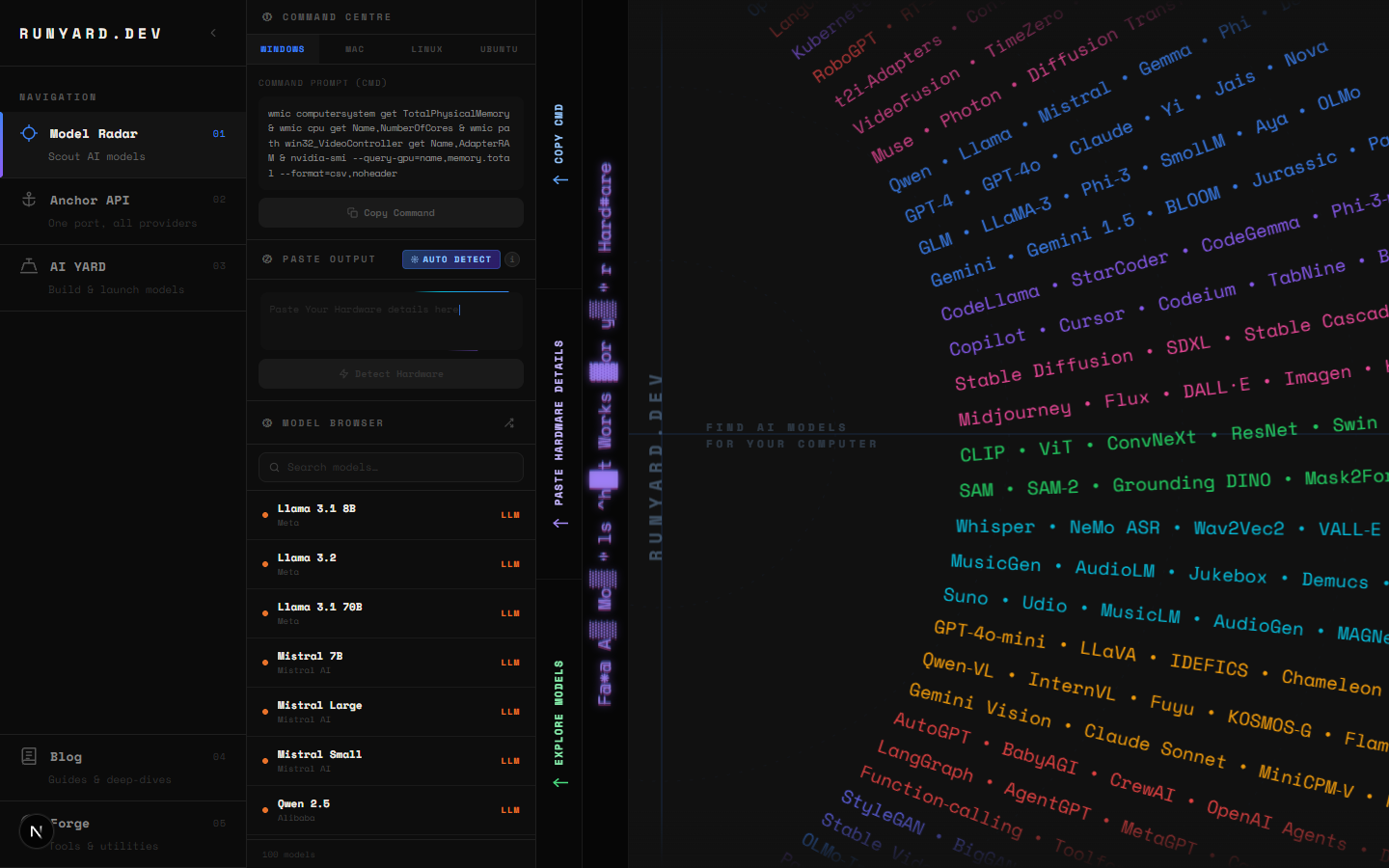
For models you run via Ollama or llama.cpp on your own hardware, www.runyard.dev shows you exactly which vision models fit your GPU and VRAM — ranked by speed and quality. If you're unsure whether LLaVA 7B will fit in your 8GB RTX card, or whether MiniCPM-V runs acceptably on your M2 MacBook, the Model Radar gives you the answer before you download anything.
Privacy Is the Real Story
The on-device AI market reached USD 10.76 billion in 2025 and is projected to hit USD 75.5 billion by 2033 at a 27.8% CAGR ([Grand View Research](https://www.grandviewresearch.com/industry-analysis/on-device-ai-market-report), 2025). The driver isn't just cost — it's privacy. Every time you send an image to GPT-4o Vision or Google Gemini, that data touches a third-party server. For medical records, legal documents, personal photos, or company IP, that's not acceptable. LFM-2.5VL-1.6B in the browser gives you the processing without the exposure.
Important: LFM-2.5VL-1.6B requires a browser with WebGPU support and HTTPS (or localhost). It won't work over plain HTTP. For production deployments, you'll also need the Cross-Origin-Opener-Policy and Cross-Origin-Embedder-Policy headers set — GitHub Pages doesn't support these by default.
Try It Now — No Install Required
Liquid AI hosts a live demo at their HuggingFace Space. Open it in Chrome or Edge, wait ~90 seconds for the model to download and load into WebGPU memory, then drop in any image and ask a question. The first time feels like magic — a 1.6B-parameter vision model answering questions about your images, entirely inside your browser tab, zero cloud involved.
- ▸Live demo: huggingface.co/spaces/LiquidAI/LFM2.5-VL-1.6B-WebGPU
- ▸ONNX model weights: huggingface.co/LiquidAI/LFM2.5-VL-1.6B-ONNX
- ▸Source code: github.com/Liquid4All/cookbook (examples/vl-webgpu-demo)
- ▸Official docs: docs.liquid.ai/examples/web/vl-webgpu-demo
Want to explore more vision models — especially ones you can run locally via Ollama with better throughput on your own GPU? Head to www.runyard.dev, enter your hardware specs, and the Model Radar will show you every local AI model that fits — including LLaVA, MiniCPM-V, InternVL, and more — ranked by how well they'll run on your specific machine.
Tools
Find AI models that fit your exact hardware. Enter your specs and get a ranked list instantly.
Newsletter