Contents
Tags
"Claude Code for Free" via OpenRouter — The Real Truth
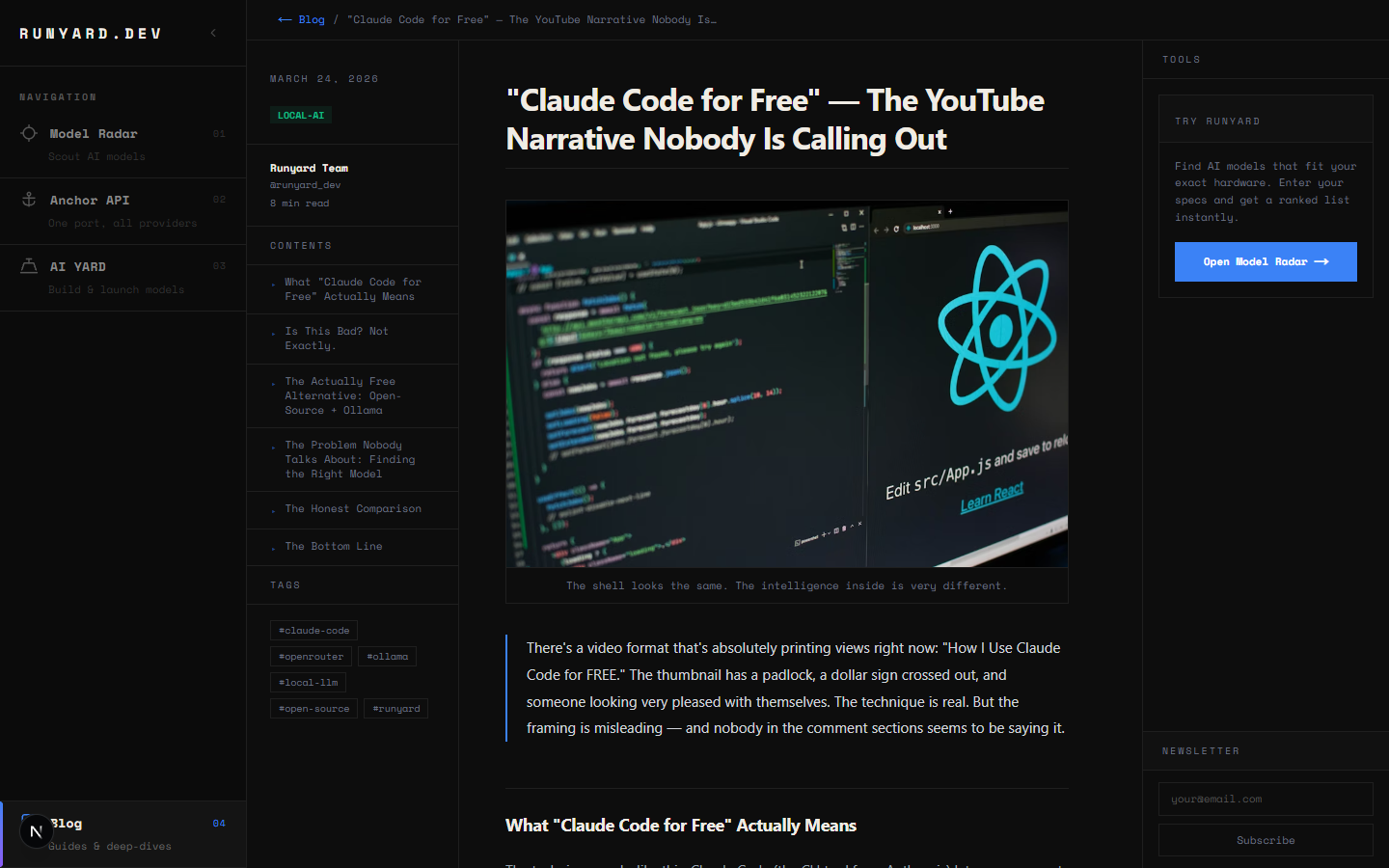
There's a video format that's absolutely printing views right now: "How I Use Claude Code for FREE." The thumbnail has a padlock, a dollar sign crossed out, and someone looking very pleased with themselves. The technique is real. But the framing is misleading — and nobody in the comment sections seems to be saying it.
What "Claude Code for Free" Actually Means
The technique works like this: Claude Code (the CLI tool from Anthropic) lets you swap out the underlying model via the ANTHROPIC_API_KEY environment variable or by pointing it at an OpenRouter endpoint. OpenRouter routes your requests to dozens of models, some of which have free tiers. So you're running the Claude Code interface — the terminal, the file editing, the context window management — but the model answering your questions is not Claude.
- ▸What you get: The Claude Code shell — keyboard shortcuts, file context, slash commands, the UI.
- ▸What you don't get: Claude Sonnet 4.6 / Opus 4.6 — the actual intelligence that makes Claude Code worth using.
- ▸What model you're actually using: Usually a free-tier model on OpenRouter — often a smaller open-source model.
Think of it like this: you're driving a Formula 1 car chassis with a Honda Civic engine. The steering wheel is in the same place. The tyres look the same. But the power underneath is completely different.
Is This Bad? Not Exactly.
Here's where it gets nuanced. The YouTube videos aren't wrong — you can absolutely use Claude Code's interface with a different model. And for simple tasks (editing a config file, writing a basic function, grep and replace), a smaller model through OpenRouter might be fine. The problem is the implied equivalence: "Claude Code for free" suggests you're getting the same experience. You're not.
- ▸Claude Sonnet 4.6 has a 200K context window and world-class reasoning. Most free OpenRouter models cap at 8K-32K.
- ▸Claude understands codebases deeply. Smaller models lose the thread on anything complex.
- ▸Claude Code's agentic loops (multi-step edits, test running, error correction) work because the model is smart enough to self-correct. Weaker models loop forever.
The Actually Free Alternative: Open-Source + Ollama
If you want genuinely capable AI coding assistance without a $100-200/month subscription, the honest path is local open-source models — not a hacked Claude Code shell pointing at a free API. The open-source coding models in 2026 are legitimately impressive:
- ▸Qwen2.5 Coder 32B — scores 92.7 on HumanEval. Rivals GPT-4o on coding benchmarks. Runs on 24GB VRAM.
- ▸DeepSeek Coder V2 16B — 90.2 HumanEval. Runs on 12GB VRAM at Q4. Excellent at Python, Go, Rust.
- ▸Codestral 22B — built for IDE autocomplete (FIM). Native Continue.dev + Cursor support.
- ▸Phi-4 Mini (3.8B) — surprisingly capable for 4GB VRAM cards.
These aren't as good as Claude Sonnet 4.6 on hard problems. Let's be honest about that. But they're running locally, they're free forever after the initial setup, your code never leaves your machine, and they're getting better every month. The gap is closing.
The Problem Nobody Talks About: Finding the Right Model
Before Runyard existed, going local meant downloading 20GB of model files on a guess — then finding out it won't fit in your VRAM, or runs at 2 tokens per second. People were spending hours on Reddit and HuggingFace forums trying to figure out "will this run on my 8GB GPU?" before committing to a multi-hour download.
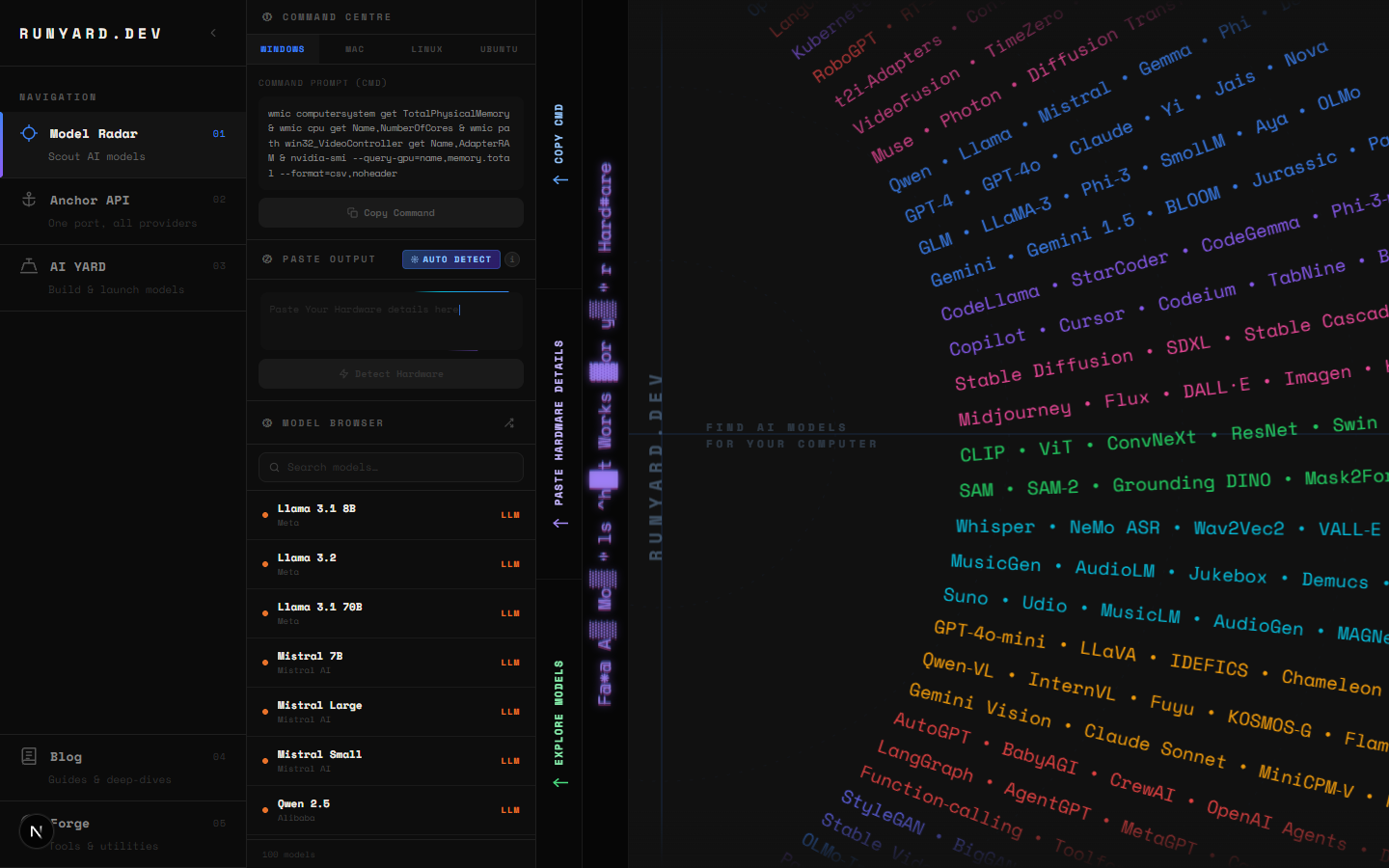
www.runyard.dev changes that. Enter your GPU and VRAM, and the Model Radar instantly shows every open-source model that will run on your machine — ranked by quality, speed, and use-case fit. No downloads. No guessing. No 3am forum-scrolling.
The Honest Comparison
The Bottom Line
"Claude Code for free" gives you a shell. Local open-source models give you actual intelligence running on your own hardware. Neither is a replacement for the real Claude Code on hard problems — but at least one of them is honest about what it is. If you can't or don't want to pay for Claude's subscription, the best move is a good local model matched to your GPU. Start at www.runyard.dev — it's free, takes two minutes, and tells you exactly what to run.
Try this workflow: use www.runyard.dev to find your best local coding model, run it via Ollama, and connect it to Continue.dev inside VS Code. You get real autocomplete, chat, and context-aware edits — for $0/month after setup.
Tools
Find AI models that fit your exact hardware. Enter your specs and get a ranked list instantly.
Newsletter